Irish guide
IPTV Ireland broadband: what your line will play on a busy evening
IPTV Ireland broadband questions all lead back to one figure: the speed your line holds on a weeknight around nine, read on the television that will play the channels. Below you will find each kind of Irish connection in plain terms with the picture it usually carries, then Wi-Fi in the house, two screens at once and a checklist for a slow night.
IPTV Ireland broadband: the speed one picture needs
A live channel arrives as an unbroken flow of data, and the app holds back a few seconds of it as a cushion. While the line refills that cushion faster than the picture drains it, you notice nothing. When the line falls short of what the stream needs for longer than the cushion lasts, the image freezes or the player drops to a softer version until it catches up.
So plan with the lowest speed your television keeps up for several minutes at the hour you watch, not the quick peak shown in the first seconds of a speed check. Every IPTV Ireland broadband decision on this page starts from that steady evening number.
| Picture | Steady speed, one screen | Data in a two-hour match | Lines of picture |
|---|---|---|---|
| HD | about 5 Mb/s | about 4.5 GB | 720 |
| Full HD | about 10 Mb/s | about 9 GB | 1080 |
| 4K UHD, on programmes made in 4K | about 25 Mb/s | about 22.5 GB | 2160 |
All four Atlantic plans carry the same channels at the same quality, so the table holds whichever you choose. The data column matters only on a package with a monthly allowance; look for one in the small print of 4G, 5G and satellite offers.
4K asks for more than a fast line
Twenty-five megabits is one link in a chain. 4K also needs a television that displays it, a port and cable of HDMI 2.0 standard or later, a player device with hardware HEVC (H.265) decoding, and a programme produced in 4K; much of the list is HD or Full HD at source. The Firestick guide for Irish homes says which sticks stop at Full HD.
The Irish lines, one by one
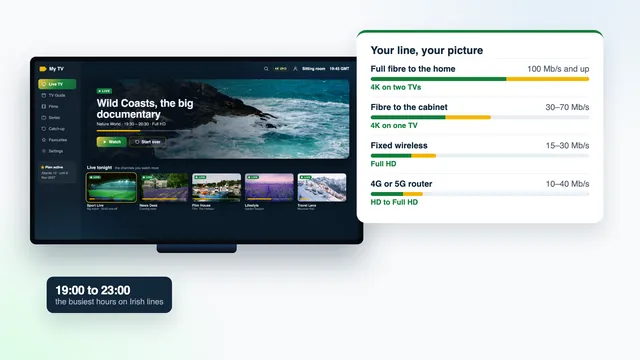
Broadband in Ireland is uneven. A house in town may have had fibre to the door for years while a farmhouse a few kilometres out depends on a mast on the next hill. The Line check on the IPTV Ireland home page sums up the four common lines in one card; here is how each behaves once the country sits down to watch.
| Your line | How it reaches the house | Usual evening speed | What one Atlantic plan plays |
|---|---|---|---|
| Full fibre to the home | Glass fibre the whole way to a small box on an inside wall | 100 Mb/s and up | 4K on two TVs |
| Fibre to the cabinet | Fibre to a roadside cabinet, then copper phone wire for the final run | 30–70 Mb/s | 4K on one TV |
| Fixed wireless | A radio link from a mast to an antenna on the house | 15–30 Mb/s | Full HD |
| 4G or 5G router | A router with a SIM card picks up the mobile network indoors | 10–40 Mb/s | HD to Full HD |
| Satellite broadband | A dish on the house exchanges data with a satellite far overhead | differs widely from one offer to the next | Check the delay and any data limit first |
Full fibre to the home
Evening speeds usually stay at 100 Mb/s and up, room for 4K on two TVs with phones and laptops still online. The weak point is rarely the line, more often the trip from a router in the hall to a television two rooms away.
Fibre to the cabinet
Copper carries the signal from the roadside cabinet to the house, and speed falls as that copper run lengthens. A house near the cabinet may see the top of the 30–70 Mb/s range, one at the end of a long lane the bottom of it, or less. Most of these lines manage 4K on one TV; two 4K pictures together usually ask too much.
Fixed wireless
A small antenna on the gable or chimney is aimed at a mast that can be several kilometres away. It needs a clear line of sight, so a tree that has grown into the path can pull the speed down. Distance matters, and so does weather: driving rain, or a gale that knocks the antenna off its aim, can show up in the evening reading. A typical 15–30 Mb/s carries Full HD on one screen without strain.
4G or 5G home router
A mobile router shares its mast with every phone around. It may look quick in the afternoon and sag between seven and eleven, when everyone nearby is streaming. Readings of 10–40 Mb/s are common, enough for HD to Full HD. An outdoor or window-mounted antenna pointed at the mast often lifts both signal and evening speed; moving the router to an upstairs window facing the mast helps even without one.
Satellite broadband
Satellite reaches places nothing else does, but each request makes a very long round trip, so the delay is higher than on any land line, and some offers cap the monthly data. Channels can play over it, yet live streams suit it less well than fibre or fixed wireless. Homes in the North have the same choice of lines plus a currency question, covered in the guide for homes in Northern Ireland.
The evening peak, from seven to eleven
Irish households reach for the remote at much the same time. From about 19:00 to 23:00 the shared parts of every network carry far more traffic than at lunchtime: the street cabinet, the wireless mast, the mobile cell. Weekends are busier again, and so are big match nights, when half the parish is watching the same game. That is how one line can read 40 Mb/s at three in the afternoon and 18 at half past nine; the second figure is the one to plan around.
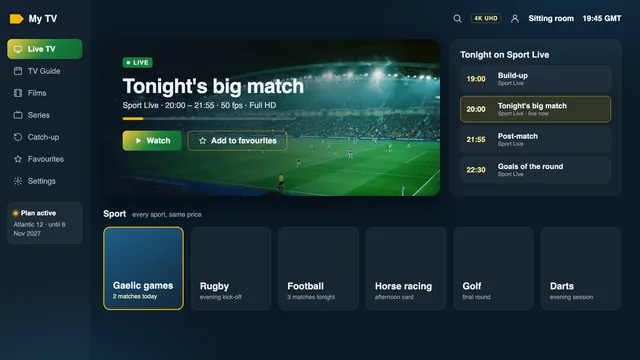
Live streams also run slightly behind the broadcast, usually by a few seconds and at times by up to about 30; a cheer from next door that beats the score to your screen is normal. Several servers spread the load through the busy hours at our end; at yours, the line and the Wi-Fi decide what reaches the set.
Measure on the television itself
A speed check on a phone beside the router shows what the router can deliver, not what gets through two walls to the sitting room. Run it on the device that will play the channels, whether stick, box or smart TV, with a speed-check app from its store or its web browser.
- Take one reading in the afternoon and one between 21:00 and 22:00 on a weeknight.
- For sport, add one on a Saturday night or a big match evening.
- Let the rest of the house carry on as usual while you measure.
- Write down the lowest reading, not the best.
Then set the lowest figure against the table below. An IPTV Ireland broadband check like this takes ten minutes spread over two days and tells you which of the four Atlantic plans suits the house before any money changes hands.
| Lowest evening reading on the TV | Picture to expect | Plan that fits |
|---|---|---|
| Under 8 Mb/s | HD, with some pauses at the busiest moments | A one-screen plan, once the Wi-Fi is ruled out |
| 8 to 20 Mb/s | Full HD on one screen | A one-screen plan |
| 20 to 35 Mb/s | Full HD with room to spare, or 4K on a good night | A one-screen plan |
| 35 to 60 Mb/s | 4K on one screen, or Full HD on two | One screen, or Atlantic 12 Duo for two |
| Over 60 Mb/s | 4K on two screens at once | Atlantic 12 Duo |
Wi-Fi in Irish houses
Few Irish homes were built with wireless in mind. Farmhouses and cottages have thick stone walls, and many newer houses use solid block inside as well as out. Each wall takes a bite out of the signal, and 5 GHz, the faster band, loses more to every wall than 2.4 GHz.
The router usually sits where the line comes in, by the front door or under the stairs, while the television is down the far end of the house or in a kitchen extension behind an old outside wall. In a bungalow, a bedroom TV at one gable can be many rooms from a router at the other. In many homes the IPTV Ireland broadband problem turns out to be this indoor stretch rather than the line.
- Use 5 GHz for a TV within a room or two of the router; further away, 2.4 GHz may hold on better at a lower speed.
- Lift the router off the floor and out of cupboards onto an open shelf, clear of the microwave and large metal objects.
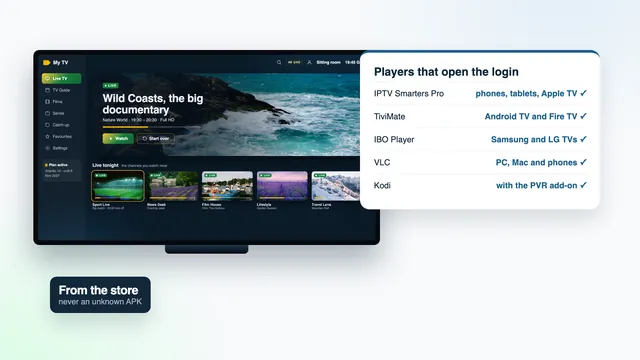
Once the signal reaches the screen, setting up the player on each screen takes a few minutes with the details from your login message.
Ethernet, mesh or powerline: getting the signal to the TV
When the router reads well and the TV reads poorly, the fix is indoors.
| Fix | What it does | Best for | Keep in mind |
|---|---|---|---|
| Network cable | Runs straight from a free router socket to the TV, box or a stick’s adapter | 4K, and any set a cable can reach | A flat cable tucks neatly along a skirting board |
| Mesh Wi-Fi | Two or three units relay the signal room to room | Bungalows, extensions, block-walled houses | Each unit needs a strong signal from the one before |
| Powerline adapters | A pair of plugs sends data over the house wiring, router to TV | Stone houses where Wi-Fi gives up | Use a wall socket, not a multi-plug lead; results depend on the wiring |
| Wi-Fi extender | Repeats the router’s signal from a socket midway | A gap of one room | Often passes on much less speed than it receives |
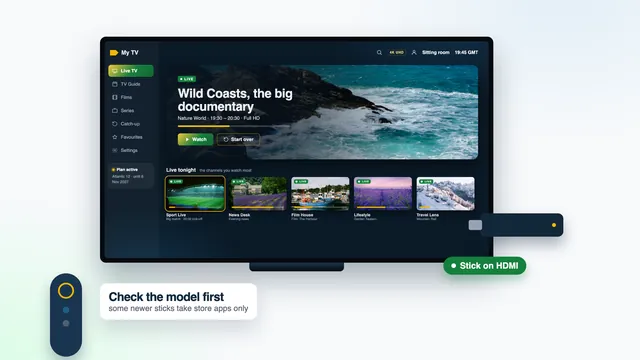
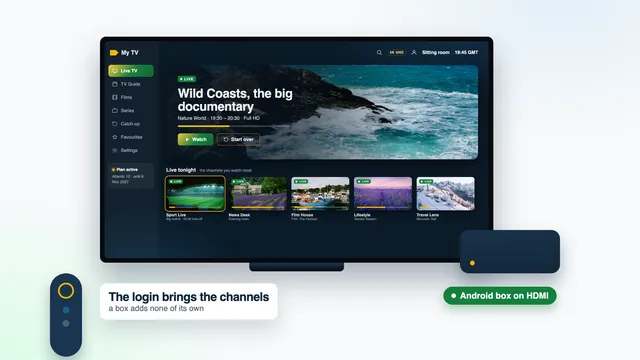
Many sticks lack a network socket and need an adapter for a cable, while most Android boxes have one built in; the guide to IPTV boxes in Ireland lists the ports worth having.
Two TVs at once on Atlantic 12 Duo
Atlantic 12 Duo lets two screens in the same home play together, for €79 for 12 months. For IPTV Ireland broadband on two screens, the speeds simply add up.
| What plays | Speed for both | Usually fine on |
|---|---|---|
| Full HD in one room, HD in the other | 15 Mb/s or a little more | Fixed wireless, a good 4G or 5G router, fibre to the cabinet |
| Full HD in both rooms | 20 Mb/s or a little more | Fibre to the cabinet; fixed wireless at its best |
| 4K in one room, Full HD in the other | 35 Mb/s or a little more | Full fibre; fibre to the cabinet close to the cabinet |
| 4K in both rooms | 50 Mb/s or a little more | Full fibre to the home |
The rest of the household shares the line: a game download, a video call or a phone backing up photos all take a slice at the same hour. Add about a third again to the sums above, and leave big downloads for the small hours. The plan lengths and prices in euro show Atlantic 12 Duo beside the one-screen plans, and IPTV prices in Ireland sets them against the wider market. Both screens of a Duo login belong to one home.
A slow evening, step by step
When IPTV Ireland broadband lets you down mid-match, go through this list in order. Many evenings are sorted by the fourth step.
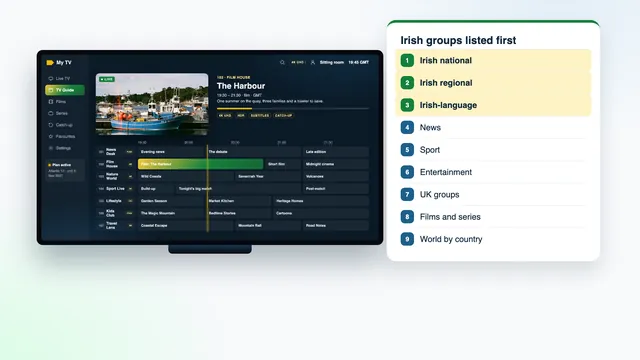
- Try another channel. If only one struggles, its source is having a poor night: pick another from the same group, using the layout of the channel list, and tell the team.
- Run the speed check on the TV there and then, and compare it with your afternoon reading.
- Pause the rest of the house: downloads, game updates, cloud backups, a second stream.
- Restart the router, then the stick or box, leaving each unplugged for thirty seconds.
- Move the device to 5 GHz or onto a cable.
- Step the picture down: pick a lower-quality copy of the channel, Full HD or HD, if the list carries one.
- Raise the buffer one notch if your player has that setting, at the cost of a slightly later start; the guide to player apps says which ones offer it.
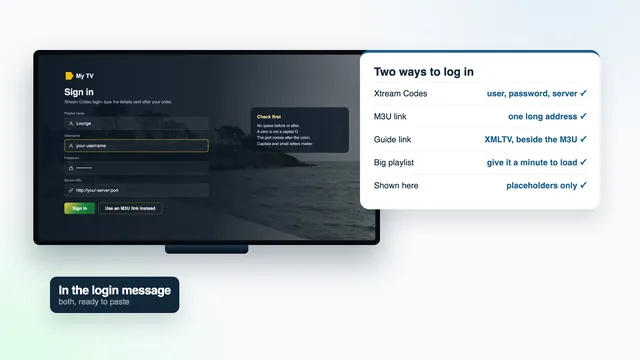
- Still stuck? Send the team the channel, the time, the device and the TV’s reading, on WhatsApp or via the contact page. Answers come 24/7, in English.
Frequently asked questions
How fast must IPTV Ireland broadband be for one TV?
About 10 Mb/s held through the evening for Full HD and about 25 for 4K, with HD getting by on 5. A line that reads 30 at nine at night covers 4K on one screen if the TV, the device and the programme are 4K too.
Will a 4G or 5G router at home play the channels?
Usually yes, in HD to Full HD, provided the signal is decent and the mast is not swamped in the evening. An outdoor or window antenna aimed at the mast often makes a real difference.
Can I watch over satellite broadband?
Channels can play, but live streams suit satellite less well: the delay is higher and some offers limit monthly data. A two-hour match in Full HD uses about 9 GB, so check the allowance before relying on it.
Why does the picture only stall at night?
From seven to eleven the shared parts of the network outside your house are at their busiest, and every device indoors is online too. A reading on the TV at that hour shows what you really have; if it looks fine, the Wi-Fi is the next suspect.
Can I check my line with you before I pay?
Yes. Send the team your evening reading from the TV, the kind of line you have and the devices you plan to use, and they will tell you which picture to expect. Questions before buying are welcome at any hour.